It’s Friday afternoon, and a client asks whether their new customer portal will be ready for review next week. Your developers have logged a full week of work. Several tasks are still marked “In progress.” Someone mentioned a testing delay in chat, but you can’t remember which feature it affects.
You have plenty of information. You still need a reliable answer.
To track your team’s time and project progress in one place, connect recorded hours to assigned tasks, give those tasks clear completion criteria, and review effort alongside delivery status. For a software agency, that creates a practical path from “What did we work on?” to “What can we confidently promise the client?”
What should you track together?
A useful project view answers five questions:
- Scope: What needs to be delivered?
- Ownership: Who is responsible for the next step?
- Time: How many hours have gone into the work?
- Progress: What has passed review, and what remains?
- Risk: What could prevent the next milestone?
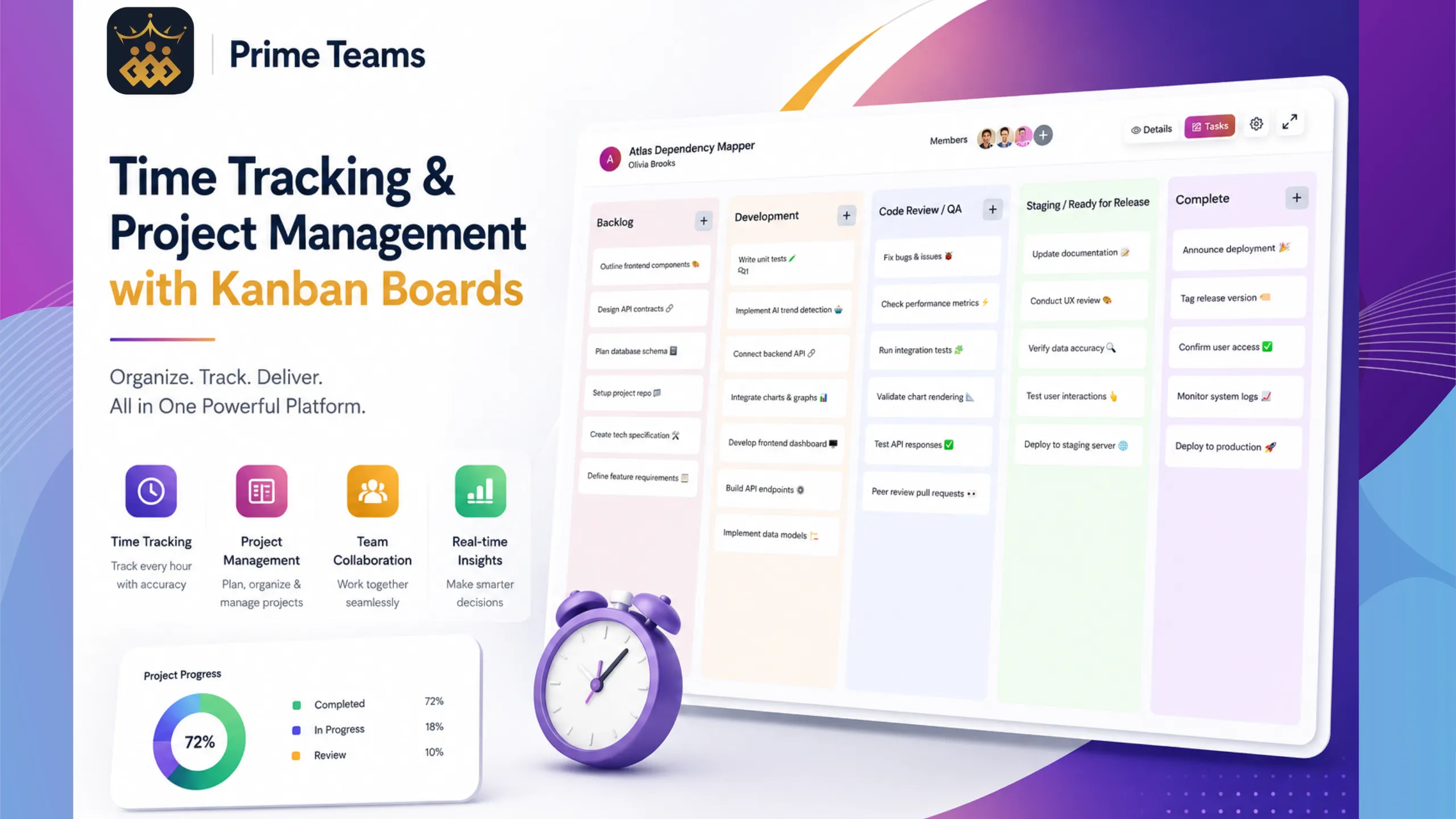
PrimeTeams brings task assignment, Kanban boards, time tracking, and project reports into a shared workspace. Its project management software with time tracking gives teams a way to keep work records together. The quality of the picture still depends on how consistently your team maintains them.
1. Break each client project into reviewable tasks
Start with one active project. Divide its deliverables into tasks small enough for an owner to explain what’s finished, what’s blocked, and what happens next.
“Build the customer portal” is too broad for a useful weekly review. “Implement password reset,” “Build account settings,” and “Test invitation permissions” give you clearer units of work.
For each task, record:
- One accountable owner
- The expected output and review criteria
- A target date tied to the project milestone
- Any dependency, such as a client decision or API access
- An initial effort estimate, where useful for planning
Define completion before work starts. For password reset, that might mean the email arrives, expired links are handled, acceptance tests pass, and the reviewer approves the behavior. “Code written” would leave important work unaccounted for.
PrimeTeams supports custom fields for projects and tasks. Use a small number of useful fields, such as delivery phase or client reference, rather than making every update an administrative exercise.
2. Make your Kanban stages reflect real handoffs
A simple board might use Planned, In progress, In review, and Done. Agree on what each stage means and who moves a task forward.
Keep a task in review until its acceptance criteria are met. If it is waiting for client feedback, make that dependency explicit. Otherwise, a nearly finished feature can quietly hold up a release while the board looks healthy.
Review work that stays in the same stage for several days. A pileup in review may call for a reviewer’s attention before another developer starts a new feature. The board should help you decide where to intervene.
3. Record time against the task being worked on
Project totals become more useful when you can trace them to the work underneath. PrimeTeams lets team members track time against assigned projects and tasks, so hours have a delivery context.
Set a simple team convention: select the correct assignment when work begins, switch when the work changes, and check records while the day is still fresh. Agree how to account for reviews, client meetings, support, and internal work so people don’t have to guess.
Avoid putting everything under a generic “Development” task. If implementation, investigation, and rework are materially different activities, give them enough context to be understood later. That helps you explain why a seemingly small feature needed more effort than expected.
Use the same convention across the team. Consistent records are easier to review than highly detailed entries from one person and vague weekly totals from another.
4. Compare hours spent with work actually completed
Time spent and project completion measure different things. Hours describe effort already invested. Progress describes which agreed outcomes are ready. A task estimated at eight hours can still need testing after eight hours have been recorded.
Consider this illustrative customer portal project:
- Password reset: 6 hours recorded; tested and accepted.
- Account settings: 12 hours recorded; in review with two issues open.
- Invitation permissions: 8 hours recorded; blocked by an unanswered access question.
The team has recorded 26 hours. That total doesn’t tell you the portal is ready, or that two-thirds of the work is complete. Task sizes differ, review work remains, and one dependency needs a decision.
The next actions are concrete: schedule the account settings fixes, identify who can answer the access question, and confirm the remaining test work. Ask each owner what is left before updating the milestone forecast.
Compare recorded hours with your original estimates to find questions worth investigating. A difference may reflect unclear scope, unfamiliar technology, missing access, or a poor estimate. Discuss the cause before judging performance.
5. Review client hours before treating them as billable
For an agency, hours attributed to a client project are the starting point for a billing review. Whether those hours are billable depends on the agreement and the work performed.
Use project time records to separate agreed delivery work from internal learning, corrections your agency absorbs, and additional requests that need approval. Check unclear entries with the owner while the context is easy to recover.
PrimeTeams’ time tracking software for agencies provides project and task time records, including team contributions, to support that review. Keep the commercial decision tied to your client agreement.
For fixed-fee work, review total effort even when hours won’t appear on an invoice. Repeatedly underestimating testing or revisions is useful evidence for the next proposal. For hourly work, clear task context helps you prepare an understandable account of the work delivered.
Run a weekly review that ends with decisions
Set aside a short weekly review with the project lead. Have task owners update their records beforehand, then work through these questions:
- What was accepted? Confirm completed deliverables against their review criteria.
- Where did the time go? Review project and task hours, including investigation and rework.
- What is waiting? Identify blocked tasks and items sitting in review.
- What remains before the milestone? Ask owners for the remaining work and dependencies.
- What needs to change? Decide whether to adjust assignments, resolve a scope question, or update the client.
Finish with an owner and next step for every material issue. “Permissions are blocked” is an observation. “The project lead will confirm the access rules with the client before implementation resumes” is an action.
Use attendance information as additional planning context when needed. Someone’s availability can affect the schedule, but attendance hours alone won’t show whether a feature is ready.
Your client update can then explain three things clearly: what is ready, what remains, and which decisions affect the date. That is more useful than sending a list of hours without delivery context.
Keep visibility proportionate and transparent
PrimeTeams also offers screenshots and live screen viewing. If your agency uses these features, explain the purpose, when they are used, who can access the information, and how sensitive client material will be handled. Establish those expectations before rollout.
Use the least intrusive information that answers the management question. Task updates, work reviews, and time records should carry the everyday progress conversation. Discuss unexpected records with the person involved rather than drawing conclusions from a single screenshot or moment of activity.
Frequently asked questions
Can one tool track team time and project progress?
Yes. PrimeTeams combines project and task management with time tracking and reports. To get a useful view, connect hours to assignments and keep task status current.
How often should the team update project progress?
Update a task when its status changes or a blocker appears. A quick end-of-day check helps keep records current; the weekly review is where the team resolves patterns and delivery risks.
Should we measure progress by completed task count?
Task counts provide context, but tasks can differ greatly in size and importance. Review accepted deliverables, remaining work, and dependencies before assigning a project completion percentage.
Start with one project and one weekly review
Choose an active client project, assign clear tasks, agree on completion criteria, and record time against the work. At the end of the week, review the hours and delivery status together. Use what you learn to improve the next week’s plan.
Start your 14-day PrimeTeams free trial, with no credit card required, and put this workflow into practice with your team.
Related Posts