“Knowing how many hours your team worked is useful. Knowing which projects and tasks received those hours is what makes time data actionable.”
Tracking total work hours tells you how long someone worked. It does not necessarily tell you what those hours were spent on.
For teams managing multiple projects, clients, deadlines, and competing priorities, that distinction matters. A manager may know that an employee worked eight hours, but still have no clear answer to questions such as which project received most of the day, which task took longer than expected, or where team capacity is being used.
This is where project time tracking becomes useful. Instead of recording hours as one daily total, teams connect tracked time to the specific project and task being worked on.
A practical project time tracking process helps businesses understand where work hours go, review project effort, identify workload patterns, improve future planning, and maintain more useful records of completed work.
This guide explains how to track time by project and task, how detailed your project structure should be, what mistakes to avoid, and how teams can turn tracked hours into useful project information.
What Is Project Time Tracking?
Project time tracking is the process of recording work hours against a specific project instead of recording only an employee's total working time.
Task-level time tracking goes one step further by identifying the individual task or activity that received those hours.
For example, instead of a time record showing:
- Employee worked: 8 hours
A project and task time record could show:
- Website Redesign → Homepage Development: 3 hours
- Website Redesign → Mobile Testing: 2 hours
- Client Support → Bug Fixes: 1.5 hours
- Internal Operations → Team Meeting: 1.5 hours
Both records contain eight hours of work, but the second gives managers substantially more context.
Using time tracking software that connects hours with projects and tasks can make this information easier to capture consistently across a team.
What Is the Difference Between Project Time Tracking and Task Time Tracking?
Project time tracking records hours against the larger piece of work being delivered, while task time tracking records those hours against individual activities inside the project.
Think of the project as the container and the tasks as the specific work required to complete it.
For example:
- Project: New Company Website
- Task: Design homepage
- Task: Develop contact form
- Task: Optimize mobile layout
- Task: Test website before launch
Project-level tracking helps management understand the total effort going into the website project. Task-level tracking explains where that effort is being spent inside the project.
Teams usually gain the clearest picture when both levels work together.
Why Track Time by Project and Task Instead of Only Total Hours?
Total working hours are useful for understanding attendance and general working time, but they provide limited information about project execution.
Tracking time by project and task creates additional context around those hours.
- Project visibility: See which projects are consuming the most team time.
- Task visibility: Understand which activities require the most effort.
- Better planning: Use previous project data when estimating similar future work.
- Workload understanding: See how employee time is distributed across different projects.
- Clearer reporting: Review work hours with project and task context instead of isolated totals.
- Client work visibility: Agencies and service businesses can maintain clearer records of the effort going into individual client projects.
- Operational insight: Managers can identify projects or activities repeatedly consuming more time than expected.
The goal is not simply to collect more data. The goal is to make recorded time useful for managing work.
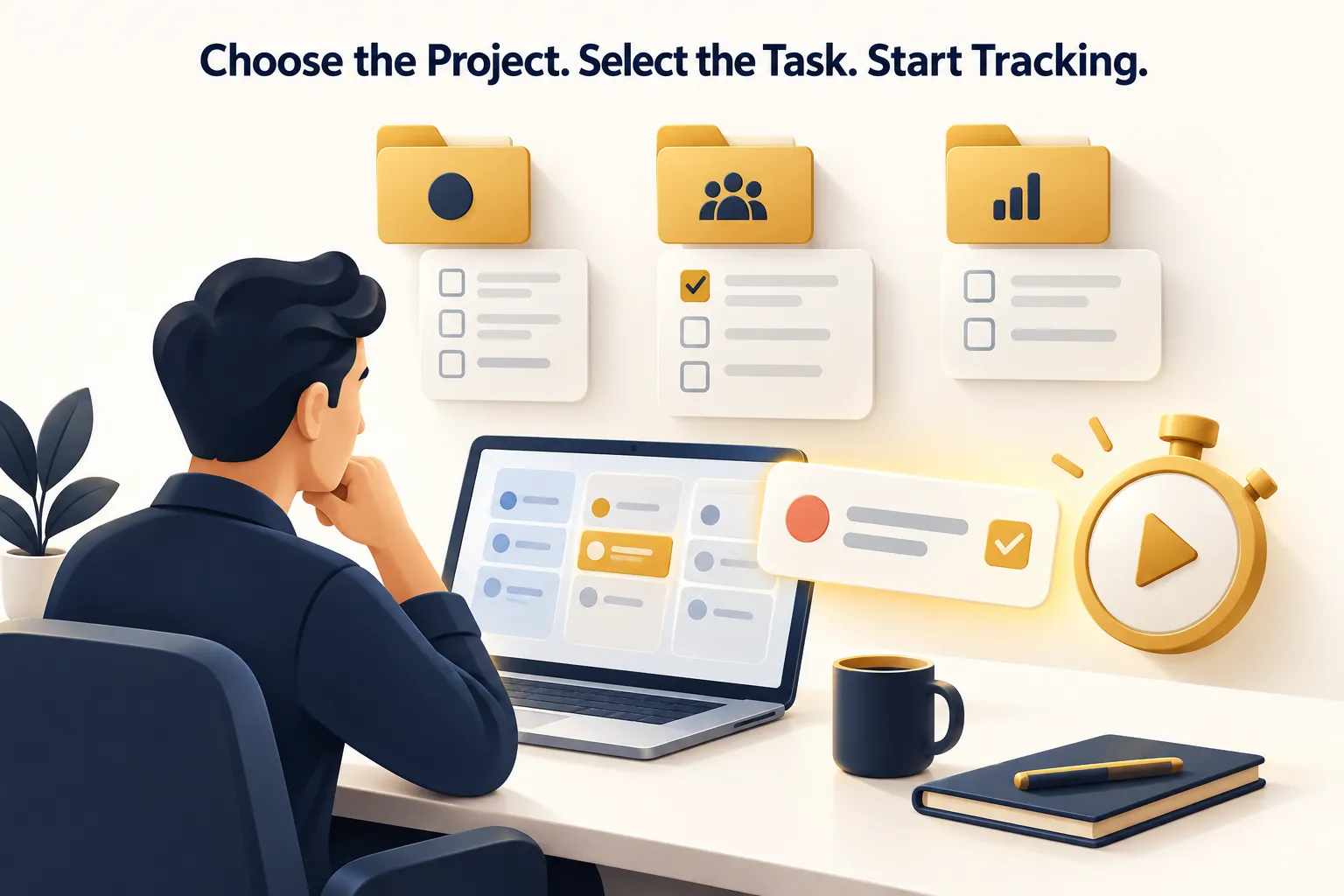
How to Track Time by Project and Task Step by Step
Effective project time tracking starts before anyone starts a timer. The project structure needs to be clear enough that employees know where their work belongs.
1. Create the Project Before Work Begins
Start by creating a clearly named project representing the work your team is delivering.
Avoid vague project names such as “Client Work,” “Development,” or “Marketing” when your team is actually managing several separate projects.
More useful project names might be:
- Acme Website Redesign
- October SEO Campaign
- Mobile App Version 2
- Customer Onboarding Automation
- Internal CRM Upgrade
A clear project name makes it easier for employees to select the right work and makes reports easier to understand later.
2. Break the Project Into Meaningful Tasks
Next, divide the project into tasks that represent the actual work your team needs to complete.
Tasks should provide useful detail without becoming so small that employees constantly need to switch timers.
For a website project, useful tasks might include:
- UI Design
- Frontend Development
- Backend Development
- Content Upload
- Quality Assurance
- Client Revisions
- Deployment
This structure gives management useful information while remaining simple enough for everyday use.
3. Assign the Right Team Members
Team members should have clear visibility into the projects and tasks assigned to them before time tracking begins.
Combining project assignments, tasks, deadlines, priorities, and tracked time can reduce confusion about what people should work on next.
A connected project management system can help managers organize projects, assign tasks, manage deadlines, and keep work structured before employee hours are recorded.
4. Select the Project and Task Before Starting the Timer
The most important daily habit is simple: select the correct project and task before starting work.
Waiting until the end of the day or week to reconstruct project hours from memory makes accurate attribution more difficult.
A practical workflow looks like this:
- Open the time tracking application.
- Select the project you are about to work on.
- Select the relevant task.
- Start the timer.
- Complete the work.
- Stop or switch the timer when your work changes.
This keeps each block of work connected to the activity that actually received the time.
5. Switch the Task When the Work Changes
One of the most common project time tracking problems occurs when an employee starts tracking one task and then moves to another without changing the active task.
Imagine a developer starts the morning working on a checkout feature. An hour later, the developer receives an urgent request to fix a different client's website.
If the original timer continues running, both pieces of work will eventually appear under the first project.
The better habit is:
- Stop the current task when work changes.
- Select the new project and task.
- Start tracking the new work.
- Switch back when returning to the original project.
Accurate project time tracking depends more on consistent attribution than on simply keeping a timer running all day.
6. Correct Missed Time While the Work Is Still Fresh
People sometimes forget to start a timer, stop it too late, or select the wrong project. A practical time tracking process should have a controlled way to correct genuine mistakes.
Corrections should be made as soon as possible while the employee still remembers what happened.
Prime Teams supports manual time entries with leader approval, allowing missed work hours to be added while maintaining management control over the records.
7. Review Project and Member Reports Regularly
Tracking time has limited value if nobody reviews the information.
Managers should periodically review project time from two perspectives:
- Project view: How many hours are going into the project, and which team members are contributing?
- Team member view: Which projects are consuming an employee's available working time?
This makes it easier to notice workload imbalances, unusually time-consuming work, projects receiving more effort than expected, and employees split across too many priorities.
8. Use Historical Time Data to Improve Future Planning
Project time records become more valuable over time.
When planning a similar project, managers can review previous work to understand how much effort different activities required.
For example, if several previous website projects show that quality assurance consistently requires more time than originally anticipated, future project plans can allocate more realistic time for testing.
Historical time data should not be treated as a guarantee that every future project will take the same amount of time. Instead, it provides useful evidence to support better planning.
How Detailed Should Your Project Tasks Be?
The best task structure is detailed enough to answer useful management questions but simple enough for employees to use consistently.
Tasks that are too broad create weak reports.
For example:
- Project: Website Redesign
- Task: Work
This does not tell management much more than project-level tracking alone.
On the other hand, creating extremely small tasks for every minor action can make employees spend too much time managing the tracking system itself.
A practical middle ground is to track meaningful deliverables, work categories, or workflow stages.
- Design
- Development
- Testing
- Content
- Client Revisions
- Project Management
The exact structure depends on how your business works. The important question is whether the resulting reports will help someone make a better decision.
Example: Tracking Time on a Website Project
Consider a small agency delivering a website redesign for a client.
The project could be organized as:
- Project: ABC Company Website Redesign
- Task: UX/UI Design
- Task: Frontend Development
- Task: Backend Development
- Task: Content Migration
- Task: Testing
- Task: Client Revisions
During the week, the designer tracks time against UX/UI Design, developers select the relevant development tasks, and the quality assurance team records testing time separately.
At the end of the reporting period, management can see more than the project's total hours. They can understand where those hours went.
If client revisions consumed substantially more effort than usual, that becomes visible. If testing repeatedly requires more time than expected across similar projects, future plans can account for it.
This is the practical difference between recording working hours and creating useful project time data.

How to Track Time Across Multiple Projects
Project time tracking becomes particularly important when employees work across several projects during the same day.
The main rule is to keep only the work currently being performed connected to the active project and task.
For example:
- 9:00–11:00 → Client A → Homepage Development
- 11:00–12:00 → Internal Operations → Team Meeting
- 12:00–2:00 → Client B → API Integration
- 3:00–5:00 → Client A → Mobile Testing
This type of record shows how the day was actually distributed.
Without project-level attribution, management would only see that the employee worked seven hours. With project and task tracking, those hours can be understood in context.
Common Project Time Tracking Mistakes
A time tracking system can still produce poor information when the process around it is unclear.
Using One Generic Project for Everything
Recording most work under categories such as “General,” “Office Work,” or “Client Work” makes reports difficult to use. Create separate projects where management genuinely needs separate visibility.
Creating Too Many Tiny Tasks
Excessive detail creates tracking friction. Employees may spend more time deciding where to record work than actually recording it correctly.
Leaving the Wrong Timer Running
When someone changes projects but forgets to change the active timer, the resulting reports misrepresent both projects.
Reconstructing the Entire Week From Memory
Project attribution becomes harder when employees wait several days before deciding where their hours went. Capture time close to when the work happens whenever possible.
Collecting Data Without Reviewing It
If managers never use project time information for planning, workload reviews, project analysis, or reporting, employees may understandably see tracking as unnecessary administration.
Using Time Data Only to Judge Employees
Project time records are more useful when they help improve work allocation, project planning, reporting, and processes rather than being treated only as a measure of whether someone appears busy.
How Project Time Tracking Helps With Workload Planning
Project-based time reports can reveal how employee capacity is distributed across different areas of work.
An employee may appear to have only a few assigned tasks but still be overloaded because those tasks belong to several demanding projects. Another employee may have many small tasks that require relatively little time.
Reviewing actual project hours adds useful context to the task list.
- Which projects consume the most team capacity?
- Which employees are spread across too many projects?
- Which types of tasks repeatedly take substantial time?
- Where could work be reassigned?
- Which completed projects can help inform future planning?
The objective is not to maximize every employee's tracked minutes. Healthy workload planning means understanding where capacity is going and making better decisions about priorities.
How Project Time Tracking Improves Reporting
A useful project report should answer more than “How many hours did the team work?”
Managers often need to understand:
- Total hours spent on a particular project
- Which team members worked on the project
- Which projects an employee worked on
- How employee time is distributed across projects
- Which activities are consuming significant effort
- How current work compares with similar previous projects
When project management and employee time tracking are connected, these questions become easier to investigate because the work structure and time records share the same context.
Businesses managing projects and work hours together can explore project management software with time tracking to keep project organization and recorded employee hours connected.
How Prime Teams Helps Track Time by Project and Task
Prime Teams connects project and task management with employee time tracking so teams can record work hours against the work they are actually completing.
Managers can create projects and tasks, assign team members, organize work, set deadlines and priorities, and make assigned work available through the Prime Teams desktop time tracking app.
When employees begin work, they can select the relevant project and task before starting the timer. If their work changes, they can switch tasks while maintaining separate time records.
Prime Teams also provides project-wise and member-wise reporting so managers can review:
- How many hours were spent on a particular project
- Which team members worked on each project
- Which projects an employee worked on
- How much time an employee spent on a project
- Past work-hour and project activity records
- How team time is distributed across projects
Additional time tracking capabilities include manual time entries with approval, offline tracking that syncs after reconnecting, activity detection, screenshots, Screen Recording on eligible plans, and Live Screen visibility where businesses need additional work context.
The purpose is to connect tracked hours with projects, tasks, employees, and reporting instead of leaving time data isolated from the work being managed.
Who Benefits Most From Project and Task Time Tracking?
Project and task time tracking can be useful for any business where employees divide their working time between different projects, clients, deliverables, or internal activities.
- Agencies: Understand how team time is distributed across client projects and deliverables.
- Software teams: Separate time spent on development, testing, bug fixes, reviews, and different products or client projects.
- Remote and hybrid teams: Maintain clearer work records when team members are distributed across different locations.
- Professional service businesses: Understand the effort required for individual client engagements.
- Operations teams: Separate internal projects, recurring work, support activities, and administrative tasks.
- Growing businesses: Build historical project data that can support better resource and workload planning as the team expands.
The more projects a team handles simultaneously, the more valuable accurate attribution generally becomes.
Best Practices for Project Time Tracking
A good system should be accurate without making employees feel that time tracking itself has become another major task.
- Keep project names clear: Employees should immediately understand where work belongs.
- Use meaningful tasks: Avoid tasks that are too broad or unnecessarily granular.
- Track while work happens: Do not rely entirely on end-of-week memory.
- Switch when work changes: Stop one project or task before moving to another.
- Correct mistakes quickly: Fix missed or incorrect entries while the work is still easy to remember.
- Review reports consistently: Look at both project-level and employee-level time.
- Use the data: Apply historical information to future planning, workload decisions, and project reviews.
- Keep the process transparent: Explain to employees why project time is being tracked and how the information will be used.
Consistency matters more than creating the most complicated tracking structure possible.
Frequently Asked Questions
What is project time tracking?
Project time tracking is the process of recording work hours against specific projects instead of recording only total employee working time. It helps businesses understand how team effort is distributed across different projects and activities.
How do you track time spent on a project?
Create the project and its relevant tasks, assign the appropriate team members, select the project and task before starting work, run the timer while working, switch the active task when the work changes, and review the resulting project time reports regularly.
What is the difference between project time tracking and task time tracking?
Project time tracking records hours against the overall project, while task time tracking records hours against specific activities inside that project. Using both gives managers a project-level total as well as more detailed information about where the time was spent.
Should employees track time by project or by task?
Teams usually benefit from tracking both. The project identifies the larger piece of work, while the task provides useful detail about the activity being completed. The task structure should remain simple enough for employees to use consistently.
How detailed should task time tracking be?
Task tracking should be detailed enough to produce useful reports without forcing employees to switch between extremely small activities constantly. Meaningful deliverables, workflow stages, or work categories usually provide a practical level of detail.
Can project time tracking help with workload planning?
Yes. Project time reports can show how employee hours are distributed across projects, which projects consume significant team capacity, and where workloads may need to be rebalanced.
What should project time tracking software include?
Useful project time tracking software should make it easy to organize projects and tasks, assign work, record hours against the correct project or task, switch between tasks, correct missed entries, and review project-wise and employee-wise time reports.
Conclusion
Effective project time tracking is not simply about measuring how long employees work. It is about connecting those hours to the projects and tasks that actually use them.
A clear process starts with well-organized projects, meaningful tasks, accurate project selection, consistent task switching, timely corrections, and regular report reviews.
When teams follow that process, project time records become useful for understanding workload distribution, reviewing project effort, improving future planning, and maintaining clearer visibility into daily work.
The key is to keep the system practical. Track enough detail to support useful decisions without making time tracking unnecessarily complicated for the people doing the work.
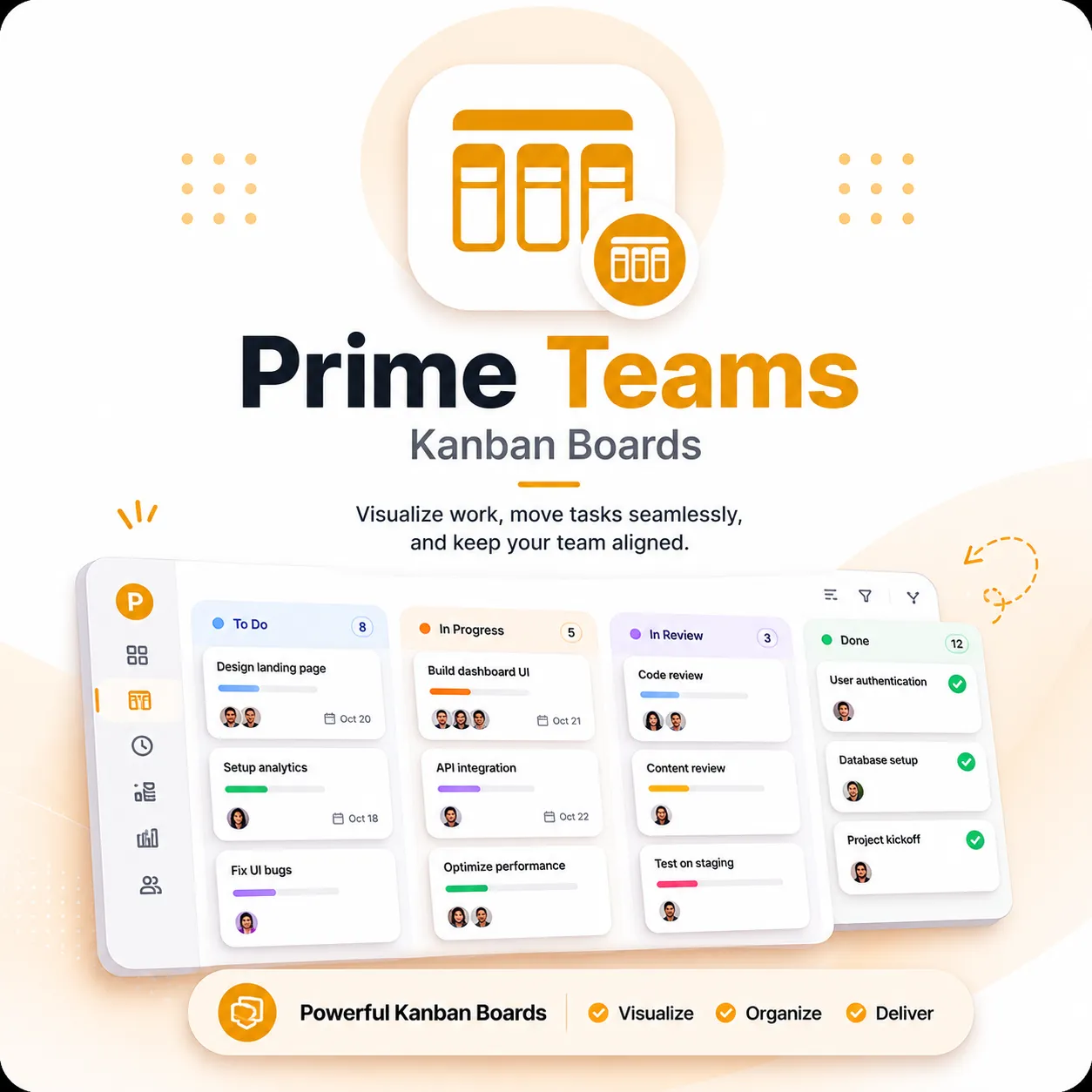
Prime Teams combines employee time tracking with projects, tasks, Kanban workflows, work-hour history, and reporting so businesses can understand not only how long their teams worked, but where that time was spent.